Is Bloons TD 6 Cross Platform Multiplayer Compatibility Explained
2 November 2026 | 95
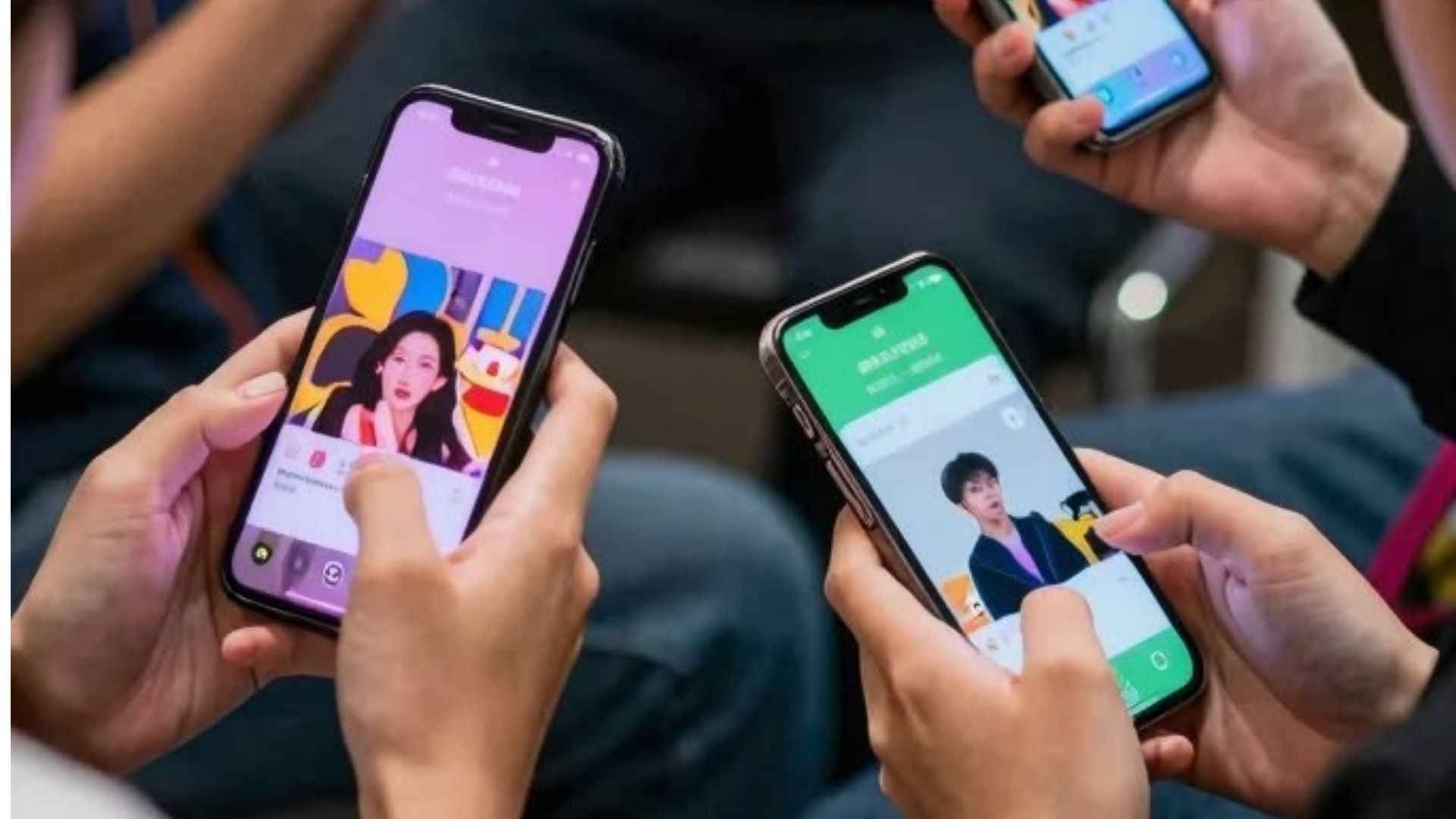
Bloons TD 6 has captured the attention of tower defense fans across the globe with its vibrant visuals and strategic co-op gameplay. As players look to team up with friends across PC, mobile, and console platforms, understanding how cross-platform multiplayer works becomes essential. This article breaks down everything you need to know about system compatibility, version requirements, and setting up shared lobbies seamlessly.
Understanding Cross-Platform Compatibility in Bloons TD 6
Ninja Kiwi designed Bloons TD 6 with robust cross-play capabilities, allowing PC and mobile gamers to play together without barriers. Whether you are popping bloons on a Windows PC via Steam or using an iOS or Android device, full co-op support is available. Players can easily host private matches or jump into quick public co-op lobbies together.
This seamless integration extends to shared progress across supported devices through Ninja Kiwi cloud accounts. Players can start a match on their desktop computer and continue their progression on mobile whenever they choose. This flexibility makes connecting with teammates far simpler than in previous entries.
Version Matching Requirements for Co-Op Play
To join a multiplayer match with friends on different platforms, all players must be running the exact same game update version. If one player has updated their client while another has not, the game will prevent them from entering the same lobby. Checking for pending updates on your respective app store or game launcher resolves most connection hurdles instantly.
Additionally, platform variations like Bloons TD 6+ on Apple Arcade can cross-play with the standard version, provided both are updated simultaneously. However, dedicated console releases on Xbox or PlayStation may experience update delays compared to PC and mobile builds. Because console versions frequently sit on different update cycles, cross-play between consoles and other devices might be temporarily restricted.
How to Set Up a Cross-Platform Lobby
Creating a multi-device lobby in Bloons TD 6 requires only a few straightforward steps within the main menu. The lobby host generates a unique shareable room code after choosing the desired map and difficulty level. Friends on any supported platform can enter this code in their co-op menu to join the session immediately.
For players seeking a convenient gaming hub or looking for more details on current digital offerings, visiting can provide useful resources. Utilizing private lobby codes avoids standard matchmaking queues and ensures seamless connections with your squad. This simple code system eliminates the hassle of adding platform-specific friend tags before starting a match.
Tips for a Smooth Multiplayer Experience
While cross-play runs smoothly overall, performance during high-round co-op sessions relies heavily on stable network connections. Mobile devices with weaker internet connectivity might introduce slight delay or desync issues into the session. To keep the gameplay responsive for everyone, hosts should ensure all participants have a stable Wi-Fi or wired connection.
Managing game saves carefully when jumping between devices also prevents accidental progress loss. Manually syncing cloud data before switching platforms ensures your monkey knowledge, unlocked towers, and player stats remain fully updated. By following these practical steps, tower defense fans can enjoy a reliable cross-platform co-op experience anytime.